
How to Create a Complicated CMS Website for Your Startup
For many startups, a website begins as a relatively simple marketing tool. You need somewhere to explain the product, establish credibility, generate enquiries and give potential customers a reason to trust your business.
But as the company grows, the website often has to grow with it. Suddenly, there are new markets to support, more products to showcase, landing pages to launch, articles to publish and integrations to maintain. Marketing wants more independence, sales needs better lead capture, recruitment needs live vacancies and different teams need access to different areas of the CMS.
At that point, you are no longer building a collection of webpages. You are building a content platform that sits at the centre of your digital ecosystem. The challenge is making something technically sophisticated without making it complicated for the people who actually have to use it.

A complex CMS website should always begin with understanding how the business works. Technology comes afterwards.
Before deciding whether to use WordPress, Umbraco, Contentful, Strapi or a completely custom solution, map out what the platform is expected to do:
- What content will your team publish?
- Who controls it?
- Which external systems contain important data? Which information changes frequently, and which parts of the website can remain relatively static?
It is also important to consider where the business is going.
A startup operating in one country today may need five localised versions of the website in two years. A simple list of products could eventually become a catalogue connected to an ERP. A handful of manually entered vacancies might later need to synchronise automatically with an applicant tracking system. You do not need to build every possible future feature from day one. But the architecture should avoid making predictable growth unnecessarily difficult. That starts with the content model. Rather than thinking about the CMS as a place where your team creates individual pages, think of it as a structured collection of information. Services, industries, products, people, case studies, articles, locations and other content types should exist independently where appropriate and connect to each other.
A case study, for example, could be associated with particular services and industries. Once those relationships exist within the CMS, the same case study can automatically appear on relevant service pages, industry pages and other areas of the website. This makes the platform easier to maintain and allows the website to become increasingly dynamic as the amount of content grows.
The best CMS architecture takes something complicated behind the scenes and makes it feel straightforward for the people managing it every day.
Managing the Editorial Control
The next major decision is how much control editors should have. Too little flexibility means your marketing team needs a developer whenever it wants to create a landing page or rearrange content. Too much flexibility can create the opposite problem: inconsistent layouts, duplicated content and pages that gradually move away from the original design system. For most startup websites, the answer sits somewhere in the middle. We typically approach this through a library of reusable content components. A hero, testimonial section, statistics block, case study grid, FAQ, image gallery or call-to-action can each exist as a controlled component inside the CMS.
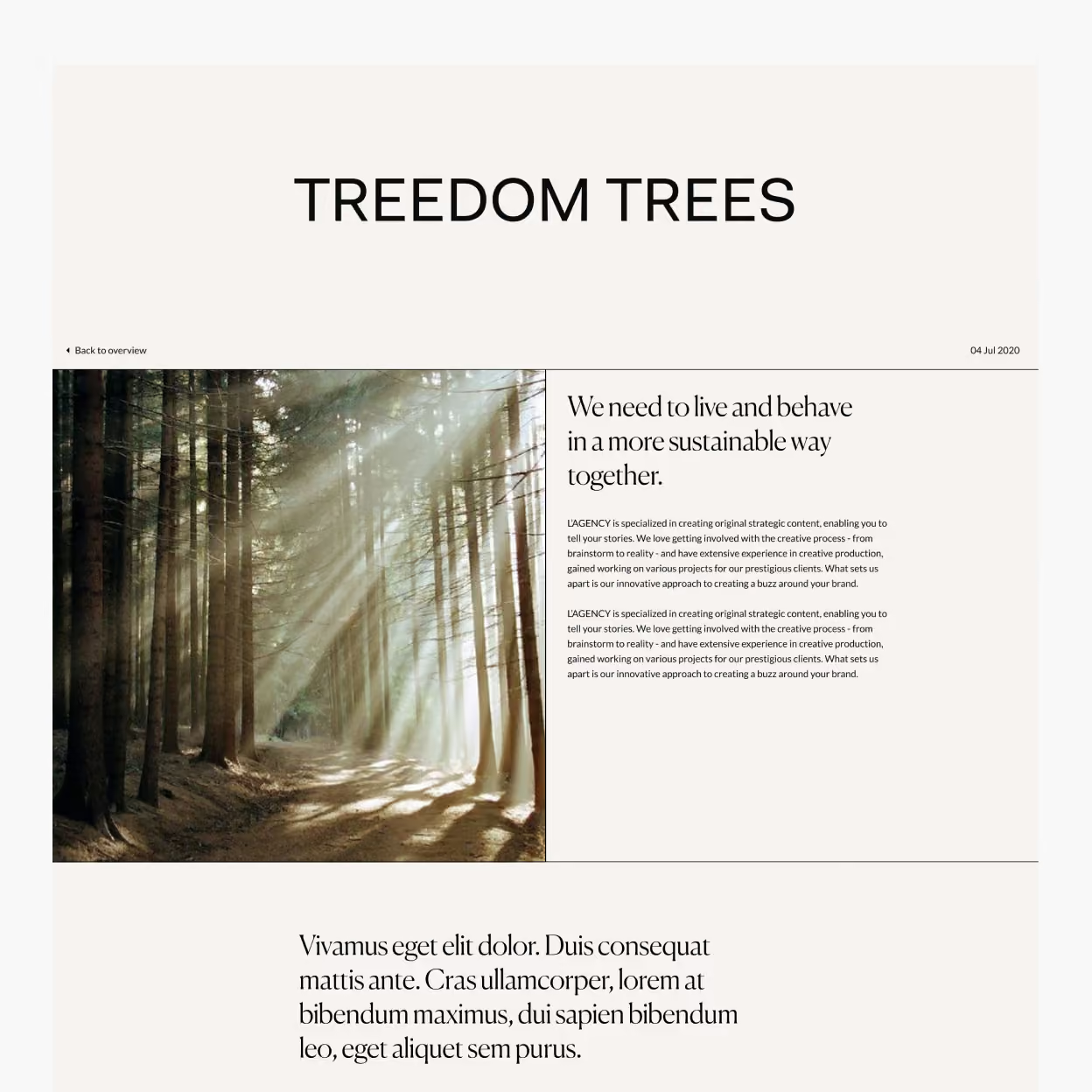

Editors can combine those components to create different pages, while design and development rules remain consistent. This provides what we think of as structured flexibility: enough freedom for a marketing team to work independently without turning the CMS into an unrestricted page builder..
The same principle applies to permissions and publishing workflows. As the organisation grows, different people may need different levels of access. A content author might be able to prepare an article without publishing it. A regional marketing team might only manage pages belonging to its market. An administrator may have access to global settings that regular editors never need to touch. Planning this early keeps the CMS manageable once more people begin using it.
Building the CMS Around Your Business
A CMS rarely operates completely independently. Modern startup websites often sit between several different systems: CRM platforms, recruitment tools, e-commerce systems, payment providers, product databases, analytics platforms and internal applications.
This is usually where the real technical complexity begins. If your product data already exists inside an ERP, your marketing team should not necessarily have to recreate it manually in the CMS. If vacancies are managed inside an ATS such as Workable, Greenhouse or JazzHR, they can often be synchronised with the website automatically.
Likewise, a contact form does not have to finish with an email notification. The information could be validated, routed into a CRM, associated with a campaign and assigned to the correct sales team without additional manual work.
The important part is deciding which system should be the source of truth. Duplicating the same information across several platforms creates operational problems very quickly. Somebody updates information in one system but forgets another, and suddenly your website displays something different from the software your team actually uses. Instead, define where each type of information originates and how data should travel between systems. Some integrations can work in real time. Others are better handled through scheduled synchronisation, webhooks or cached API responses. The correct approach depends on how frequently the data changes and how important immediate accuracy is. You also need to design for what happens when those integrations fail. Third-party APIs can become unavailable. Authentication can expire. Data structures can change. A robust website should fail gracefully rather than allowing one external service to take down an entire page.
The CMS itself should receive the same attention. Your editors are effectively another group of users, and their experience matters. Clear field names, sensible content relationships, image guidelines, previews and predefined templates can make the difference between a platform people enjoy working with and one they constantly try to avoid.
If publishing a simple case study requires an internal instruction manual, the CMS probably needs more work.
Performance and SEO should also be part of the architecture rather than additions at the end of the project. A sophisticated CMS website can still be extremely fast. Static generation, server-side rendering, caching, optimised images and carefully managed APIs allow complex platforms to deliver strong performance without sacrificing functionality.
Different parts of the website may require different approaches. An article that changes once every few months can be heavily cached. Product availability coming from an external platform may need to be updated much more frequently. A logged-in customer area may need completely dynamic information.
There is no reason to force every page through exactly the same technical process.
SEO follows a similar pattern. Editors should be able to control the information they genuinely need to manage for example, titles, descriptions, URLs, social images and indexing settings, while the platform handles technical elements such as structured data, XML sitemaps, canonical tags and internal relationships as automatically as possible.
This becomes particularly important if your startup intends to create hundreds of products, locations, articles or landing pages. At that scale, manually managing everything is neither practical nor reliable. The goal is automation where automation makes sense, combined with editorial control where human decisions are valuable.
Ultimately, building a sophisticated CMS website is less about selecting a particular technology and more about designing the right system:
- Start with the business requirements
- Understand the people who will use the platform
- Define the content architecture
- Identify integrations early
- Create reusable components
- Establish clear ownership of data and leave enough room for the platform to evolve as the company grows
And perhaps most importantly, avoid complexity for its own sake. A startup does not need an enterprise architecture simply because one may be required five years from now. The strongest solution is usually the simplest system that supports what the business needs today while providing a sensible route towards what it is likely to need tomorrow.
At H5.digital, we design and develop CMS websites and digital platforms around real business requirements by combining strategy, UX, design and development with the integrations required to make everything work together.
If your website has outgrown a basic CMS, or you are planning a new platform with more complicated requirements, tell us what you are working on.